
Right now, it's
one stream.
Your Mac sums every app into a single output. One volume key for all of it.
No driver · No extension · No restart
Per-app volume, EQ and output routing — live in your menu bar.
Live mock-up — drag the faders
Your Mac sums every app into a single output. One volume key for all of it.
One channel per app — not per process. A browser's helpers fold back into a single strip, and system daemons never appear at all.
Unity sits at 80% of the throw, with 6 dB of boost above it — so a podcast mastered too quietly goes up, not just down.
Not a list of apps we recognise — MixPill watches for any process holding the microphone. Background channels dip to 20%, then come back on their own.
Pin any app to any output, or to one channel pair on a multi-channel interface. Spotify on the speakers, everything else in your ears.
Per-app EQ
Five bands and a noise gate, per channel. One tap for Vocal Clarity, Bass Boost or Night Mode — or move the bands yourself.
The curve is computed live from the same biquad coefficients the audio engine runs. Drag a handle.
Every other per-app mixer
MixPill
Open the app.
It is already mixing.
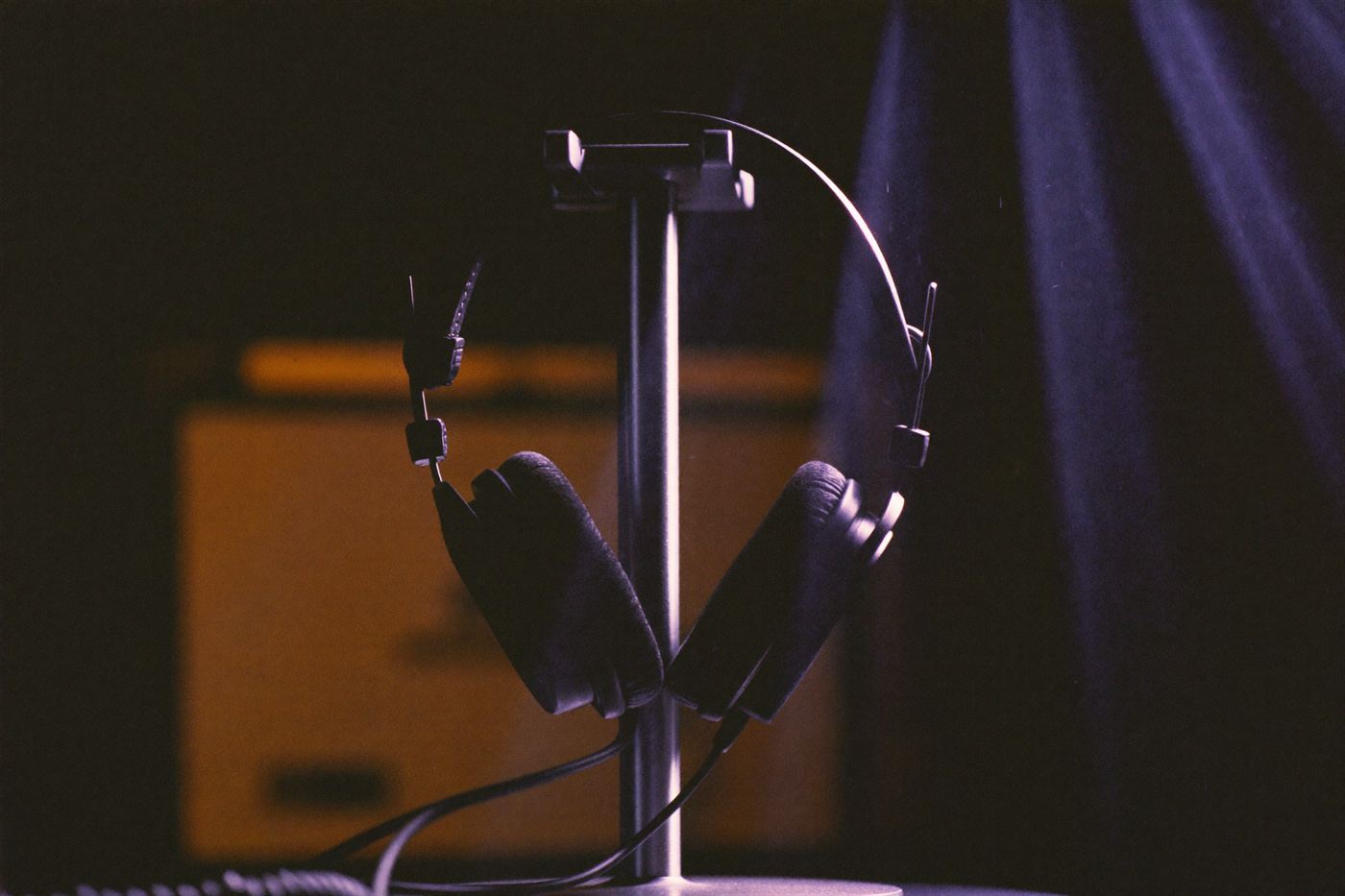
Bass where it belongs. Voices clear where they matter.
Per app — so tuning a podcast never costs you the album.
And the rest of it
The only request that ever leaves your Mac is the check for an update — and you can turn that off.
Personal licence
$29
one-time
USD, VAT included
No subscription, no account, no seat management. Free updates for as long as the app exists.
The mixer stops applying your settings and your Mac goes back to its normal audio path. Nothing is left behind, and nothing breaks.
No. One payment, and the version you buy keeps working. Updates are included rather than sold again.
Yes — a personal licence covers every Mac you own. Buying for a team? Volume licences start at five seats.